Messages
Messaging in Syncli should support faster replies, clearer customer communication, and less admin.
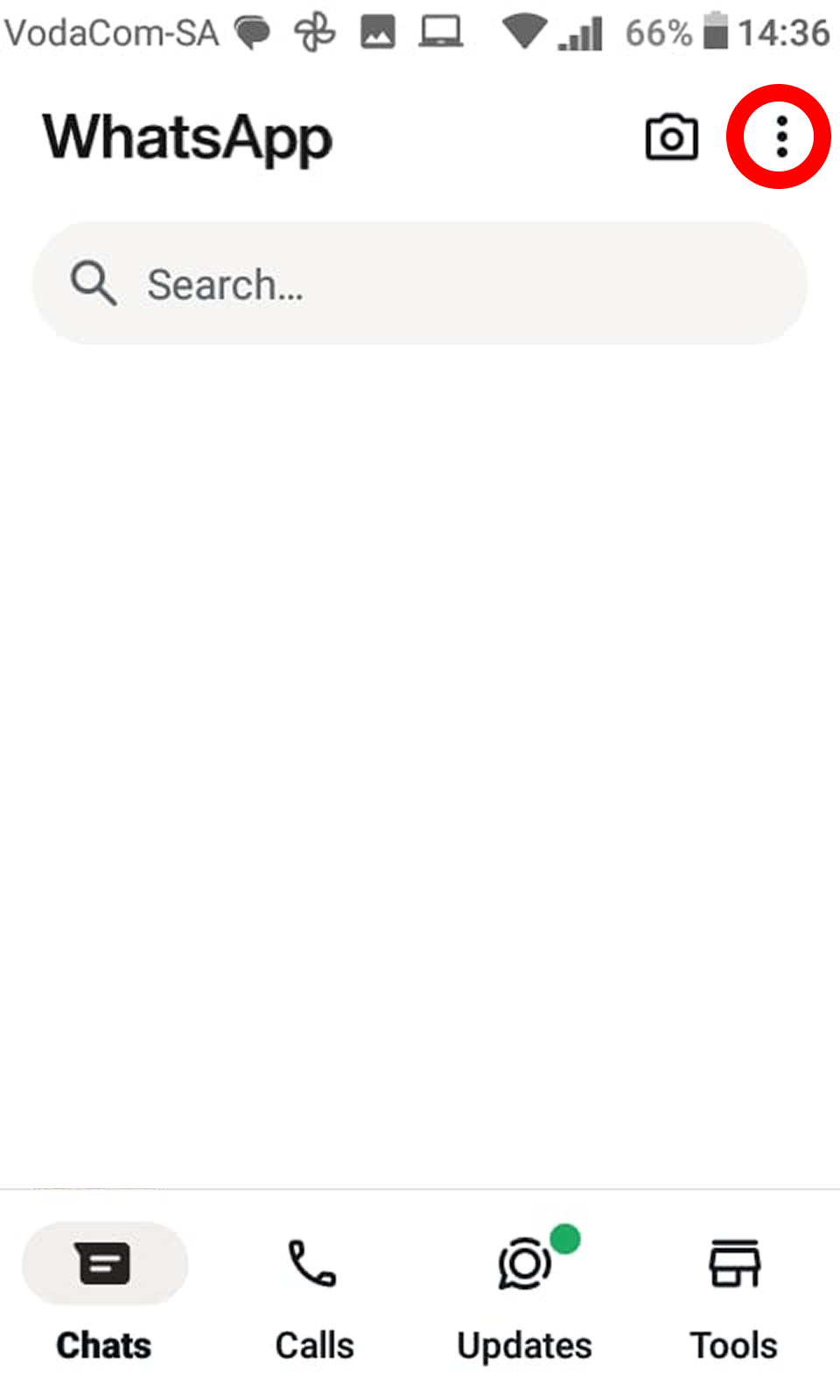
Keep messaging workflows simple so customers can move from a question to a booking without switching channels.
Keep customer communication centered in the channel they already use so booking questions and updates stay easy to act on.
Product direction
Syncli's public product messaging highlights:
- Chat-based booking journeys
- Safer, organized customer communication
- Less dependence on email inboxes
- Customer updates delivered where people actually respond
Best use of messaging
Use messaging to:
- Confirm customer intent
- Support bookings and payment follow-through
- Clarify schedule changes
- Keep conversations connected to real customer records instead of disconnected chat threads