Integrations
Syncli includes integration surfaces that help connect the platform to the tools required for real booking and payment workflows.
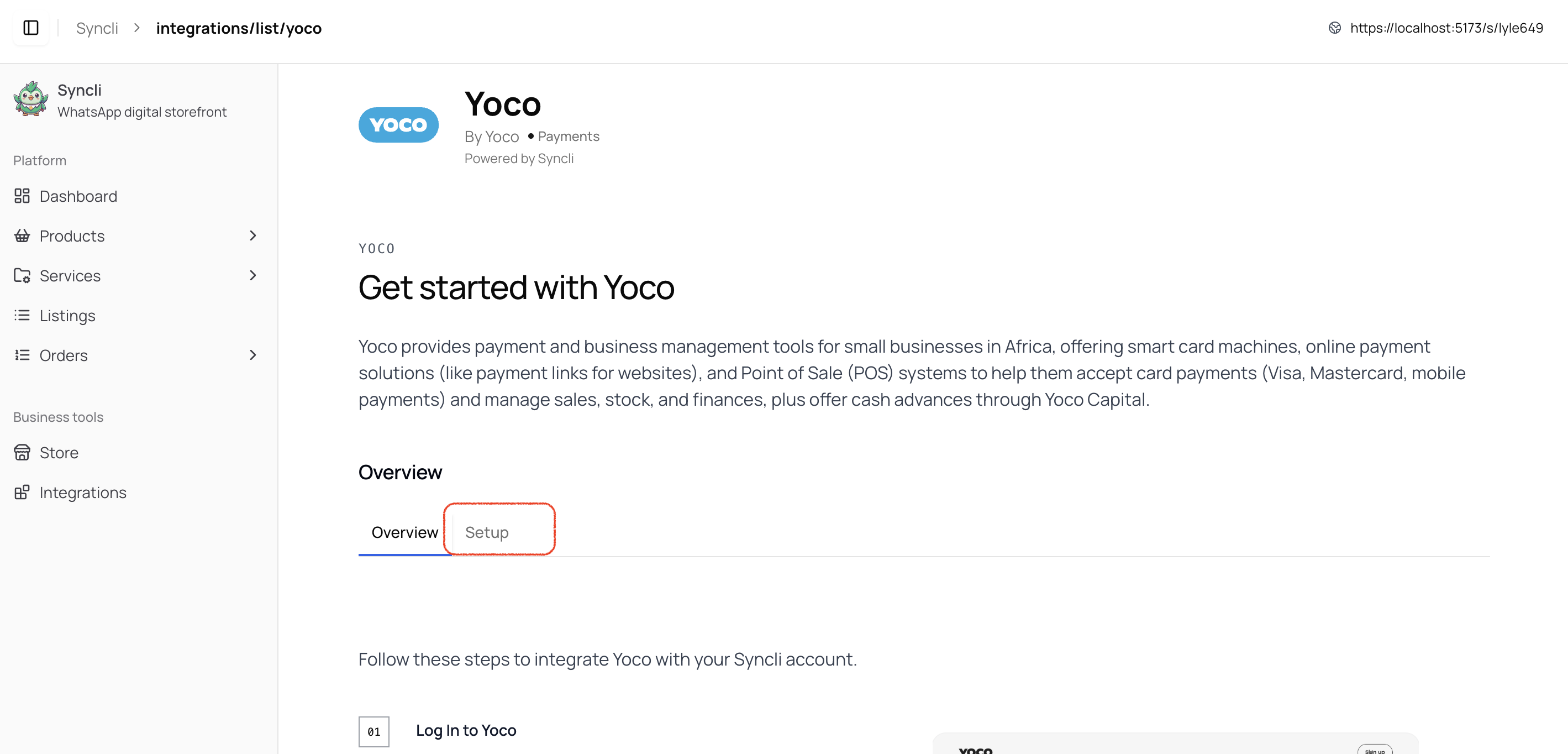
Use the integrations area to connect real payment workflows and then test the full booking-to-payment path.
Important integration areas
- WhatsApp-related setup for chat-led bookings
- Payment providers for deposits and online checkout
- Other connected tools exposed through the integrations area in the app
Keep integrations practical
Only enable the integrations your business actively needs. The best setup is the one that reduces friction for your team and for customers.
Review after setup
After connecting an integration, test the related workflow end to end. For example, do not stop at “connected” if you have not tested the actual customer booking or payment outcome.